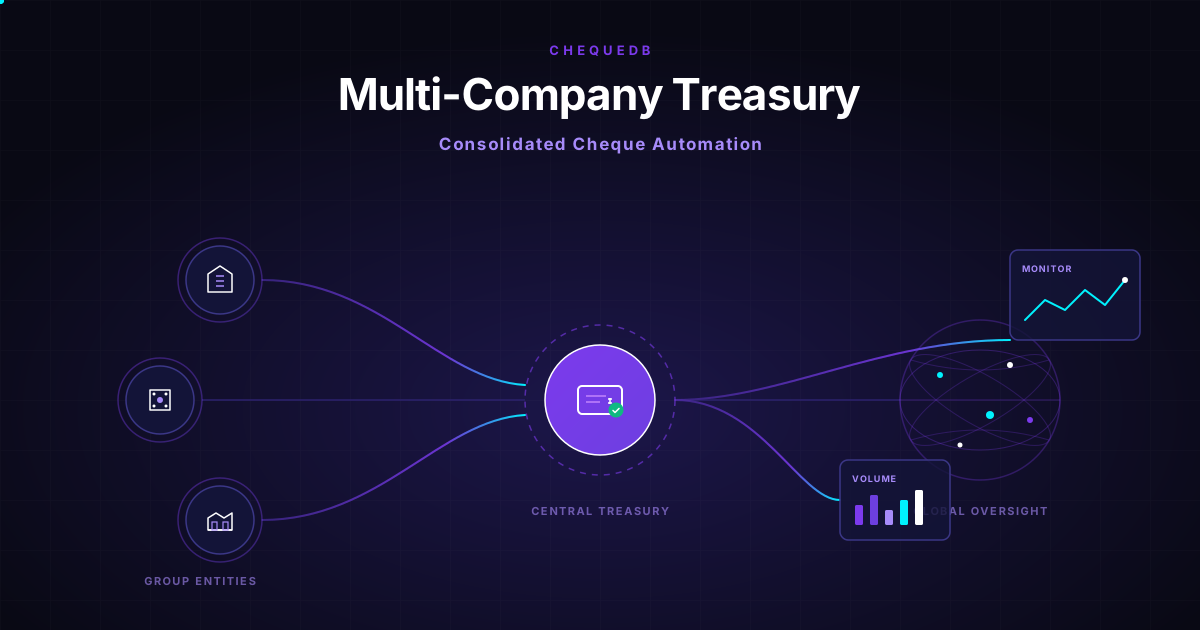
If you are responsible for treasury operations across a group of companies, you already face a structural challenge with cheques: every subsidiary has its own cheque workflow, its own bank accounts, its own ERP instance, and its own approval chain — but as the group treasury, you need visibility, control, and audit defensibility across all of them.
Most treasury teams handle this with spreadsheets, manual data entry, and periodic reconciliations. A director reviewing the process sees the same pattern repeated across entities: handwritten cheques arrive, someone types the fields into an ERP journal, the paper goes into a filing cabinet, and the audit trail depends on the filing clerk remembering to date-stamp the folder.
Enterprise cheque automation changes this. A single platform can handle handwritten cheque extraction, ERP integration, approval routing, and audit trail generation across every entity in the group — with per-company workflow rules, per-account mapping, and a consolidated view for treasury oversight.
This article covers what enterprise cheque automation looks like for a group treasury: the integration architecture, the multi-entity workflow model, and what changes when cheque processing moves from manual data entry to automated extraction with ERP sync.
The Core Problem: Manual Cheque Data Entry at Scale
The operational pattern in a group-of-companies treasury typically looks like this:
- Each entity receives cheques from its customers or issues cheques to its suppliers
- Staff at each entity manually reads the cheque fields and types them into the entity's ERP
- The paper cheque or image is filed locally
- The group treasury reconciles across entities periodically — often weekly or monthly
- Audit requests require pulling paper files from each entity and cross-referencing them against ERP journal entries
This pattern has three structural weaknesses that automation addresses directly:
Data entry errors compound. A transposed account number or misread amount at one entity creates a reconciliation problem at the group level. Finding the error means tracing it back through each entity's manual process. Automated extraction with per-field confidence scoring catches these at capture, not at reconciliation.
Audit trail fragmentation. Each entity maintains its own records in its own format. An audit that spans the group requires collecting evidence from every entity and reconciling it manually against consolidated financials. An automated system generates a single, searchable audit trail across all entities from the moment of capture.
Reconciliation delays. Manual data entry introduces latency between cheque receipt and ERP posting. For a group treasury, that latency compounds across entities — the consolidated cash position is always out of date by unpredictable amounts.
The Enterprise Cheque Automation Architecture
An enterprise-grade cheque automation platform for a multi-company treasury works across four layers.
Capture Layer (per entity)
Each entity captures cheque images through its existing channels — mobile app, desktop scanner, or back-office batch processing. The capture layer validates image quality at the point of entry: minimum resolution, skew threshold, front and back association. Poor images are rejected before any recognition runs.
Extraction Layer (central or per-instance)
The extraction engine applies bank check OCR with handwriting recognition (97%+ on amounts, 96.5%+ on payee names) to every cheque image. Per-field confidence scores determine whether each item posts automatically or routes to a human review queue.
The key fields for ERP posting are the account number from the MICR line, the cross-validated amount, the payee name, and the date validated against stale and post-dated rules per entity's jurisdiction.
ERP Integration Layer (per entity)
A mapping rule — based on the MICR account number, the capturing entity, or a configurable routing key — directs each extraction to the correct ERP instance. Entity A using SAP posts with entity-specific GL mapping. Entity B using Odoo posts with partner ID and local currency. Entity C using QuickBooks posts as a journal entry. Every post carries an entity tag and a group-level trace ID.
The integration is idempotent — resubmitting the same extraction does not create duplicate entries. Control totals are reconciled at every handoff: batch amount and item count must match between the extraction system and the ERP before the batch is marked complete.
Treasury Oversight Layer (group level)
The group treasury sees a consolidated view regardless of which entity captured the cheque or which ERP it posted to: pending approvals across all entities in one queue, exception items grouped by entity and value, reconciliation status by batch, and a single audit trail searchable by trace ID, date range, account, or entity.
For that operational view, enterprise cheque tracking brings pending items, status changes, exceptions, and reconciliation progress into one searchable place.
What Changes for the Treasury Director
When a group treasury moves from manual cheque data entry to automated enterprise cheque processing, the operational improvement is structural, not incremental.
No more keystroke errors. The most common source of reconciliation pain — a misread amount or a wrong account number entered manually — is eliminated at the source. The extraction engine reads and cross-validates every field. Low-confidence items route to human review instead of posting with uncertain values.
Multi-entity consolidation without manual work. Each entity's cheques post to its own ERP with its own accounting rules, but the group treasury sees a single view. No more collecting spreadsheets from three subsidiaries and reconciling them against bank statements to get a cash position.
Audit trail from capture to ERP. Every extraction event, human correction, approval decision, and ERP post acknowledgement carries a trace ID that links back to the original cheque image. An auditor can start with a journal entry in the ERP and trace it back to the cheque image, the extraction confidence scores, and the reviewer who approved it — without leaving the platform.
Faster month-end close. Manual cheque data entry is a bottleneck in AP month-end close across every entity. Automation processes cheques in seconds instead of hours. The group treasury sees the consolidated position in real time instead of waiting for each entity to finish its manual data entry.
Implementation Path for a Group Treasury
Step 1: Cheque volume and type audit
Send a sample set of cheques from each entity through the extraction pipeline. The accuracy report per entity tells you the percentage of handwritten fields that extract at auto-accept confidence, how many items route to human review, and whether MICR line quality varies by entity or country. This audit determines the automation rate you can expect in production.
Step 2: Entity-to-ERP mapping
Define the routing rules that connect each entity's cheques to its ERP instance, GL accounts, and approval thresholds. The mapping typically uses the MICR account number, but can also use the capturing entity ID or a custom routing key.
Step 3: Confidence threshold configuration
Set per-field confidence thresholds for automatic posting vs human review. Start conservative (e.g., 0.90 for all fields) and tune per entity as the system learns each entity's cheque mix.
Step 4: Pilot with one entity
Deploy with one entity's cheque workflow first. Monitor the exception queue, review the audit trail, and verify ERP posting accuracy. Typically 2–4 weeks from kickoff to running live with one entity.
Step 5: Roll out across the group
Once the pilot confirms automation rates and audit trail quality, expand entity by entity. Each new entity adds its ERP connection, mapping rules, and review queues without affecting the group consolidated view.
Frequently Asked Questions
What is enterprise cheque automation?
Enterprise cheque automation uses bank check OCR with handwriting recognition, ERP integration, and multi-entity workflow controls to replace manual cheque data entry across a group of companies. It covers capture, extraction, posting, audit trail generation, and treasury consolidation in a single platform.
Can cheque automation handle cheques from different countries?
Yes. Chequedb handles cheque formats across 40+ countries with field-specific ICR models trained on handwriting samples from each region. The parser understands regional amount language including lakhs, naira only, no cents, and k.
What ERP systems does it integrate with?
Chequedb integrates with SAP, Odoo, QuickBooks, Xero, and any custom ERP via REST API. Entity-to-entity mapping routes cheques to the correct ERP instance per subsidiary. See the Chequedb API for integration details.
How long does a multi-entity implementation take?
The first entity typically takes 2–4 weeks including sandbox testing, confidence threshold tuning, and go-live. Each additional entity takes 1–2 weeks since the platform and integration pattern are already in place.
How does the audit trail work across entities?
Every extraction, correction, approval, and ERP post event carries a trace ID. The group treasury can search across all entities by trace ID, date range, account, entity, or status — and trace any journal entry back to the original cheque image, extraction confidence scores, and reviewer decisions.
For a technical walkthrough of the extraction pipeline, see Cheque Data Extraction. For the full enterprise workflow with approval routing and audit trails, see Cheque Management Portal. To discuss your group's specific setup, book a demo.